Which photo works for a puzzle
Any clear photo from your phone will do. A few tips to make the puzzle look great.
Tips
Use the original
A photo from your phone gallery is better than one from a messenger: quality often drops after forwarding.
Not too dark
Dark areas lose detail in print, so pick a shot with good light.
PNG or JPEG
These formats work best. The higher the quality, the better the puzzle.
Our puzzles in real life
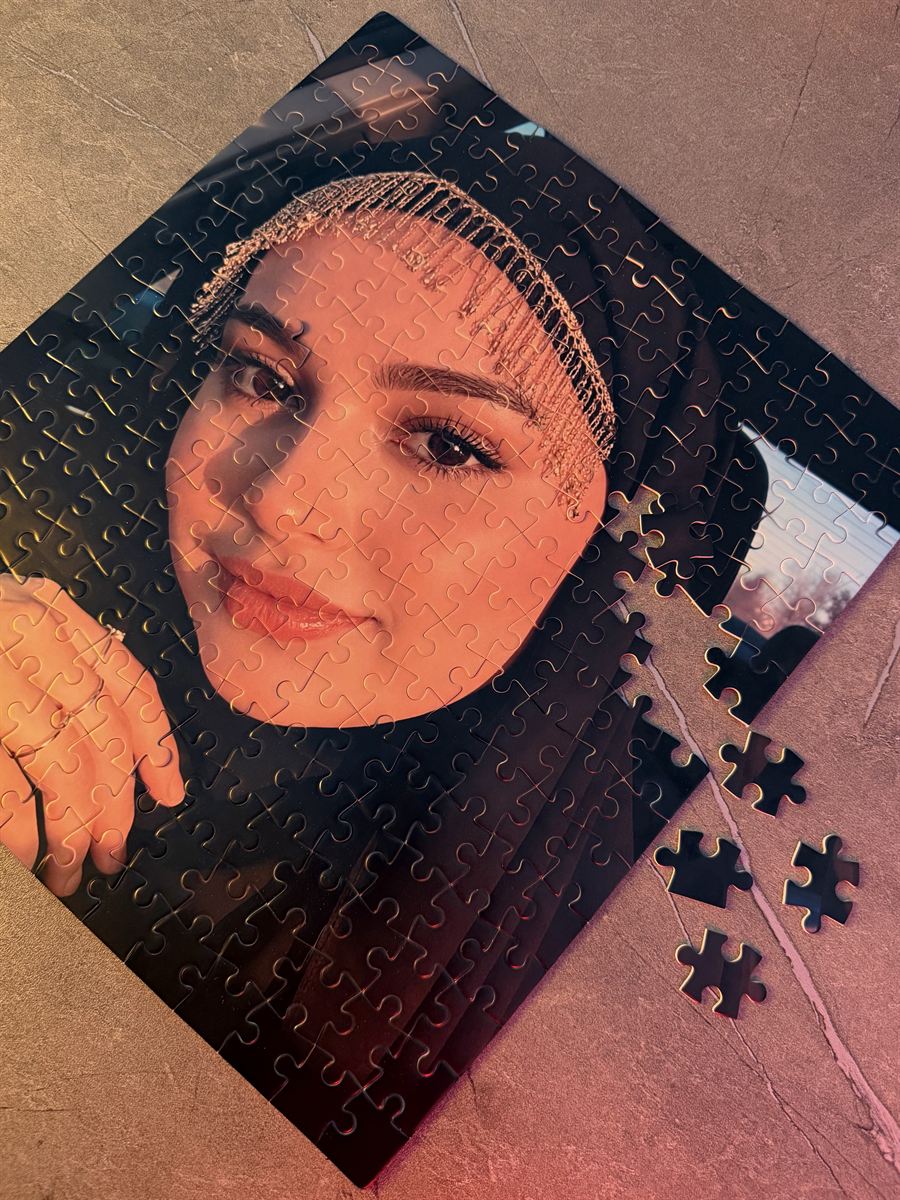
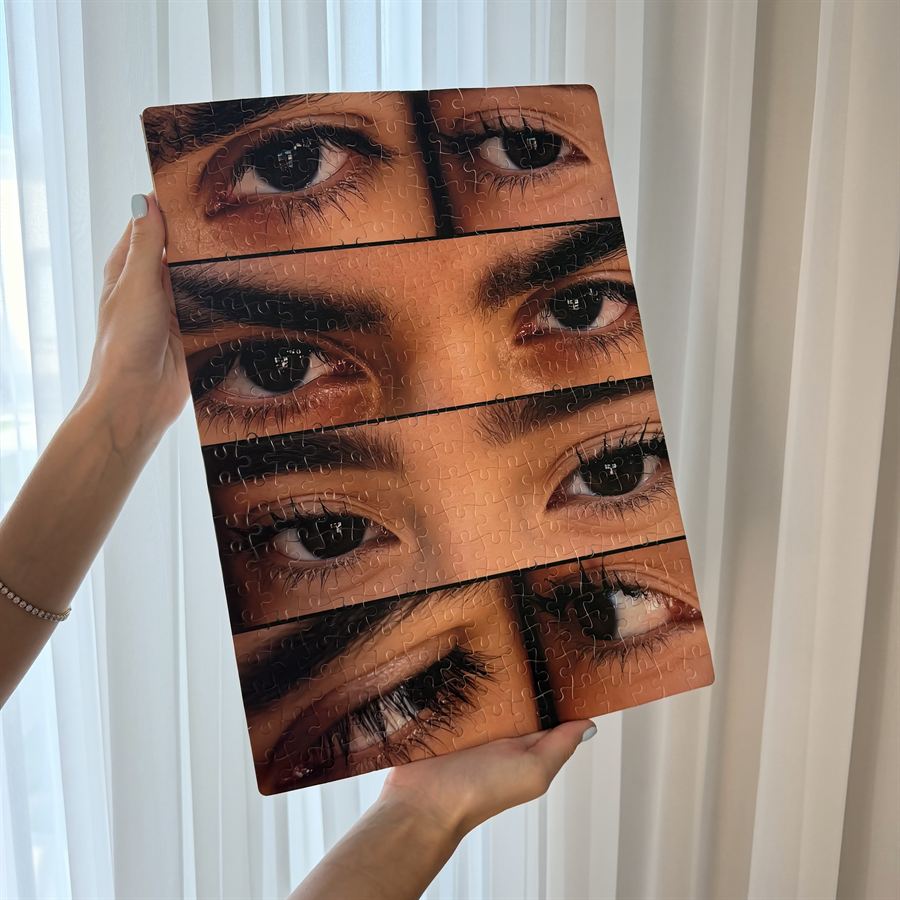
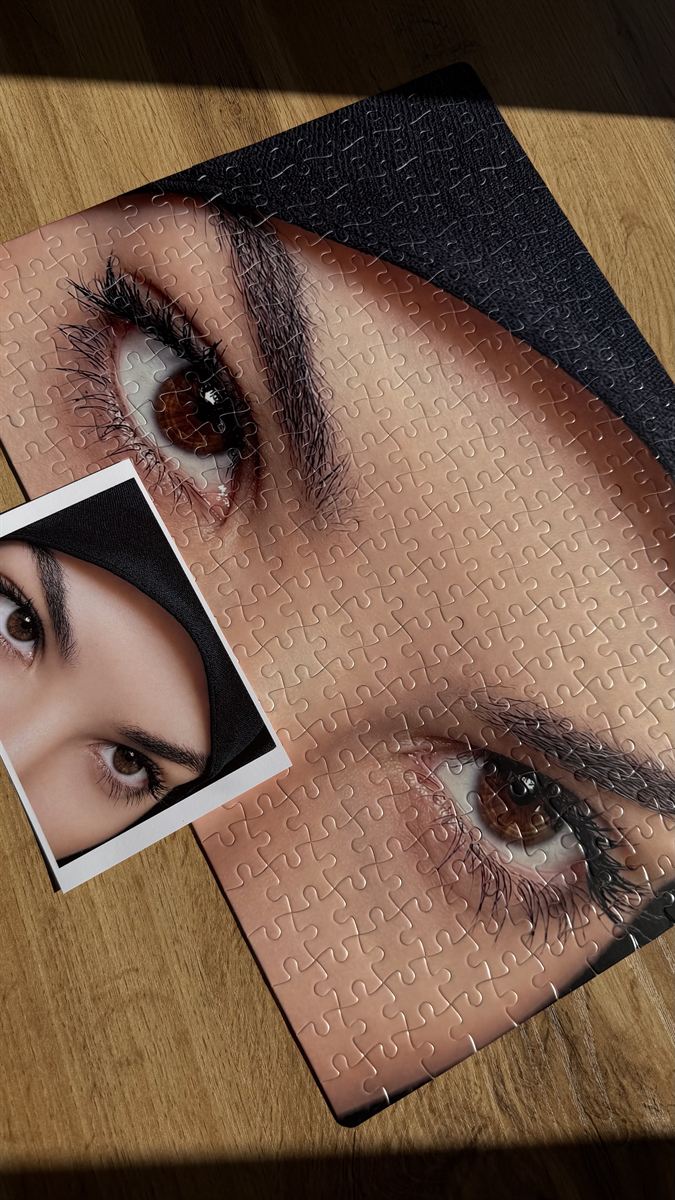
Real puzzles we have printed. Tap a photo to enlarge.
The site helps you
- The quality scale shows low, good or excellent
- You can drag the photo on the mockup and change the scale to choose the crop
- Portrait or landscape is chosen automatically and can be switched
- The photo stays on your device until you place the order
- If the photo is small, the designer will advise and improve the quality if needed
How to order
- Upload a photo on the site, choose a size and preview the mockup. It is free.
- Place your order: an operator contacts you on Telegram and confirms the details.
- Pay after confirmation (100% prepayment, 50% for orders above 300 000 UZS).
- Your puzzle is ready in 1 day, rush in 3–4 hours. We deliver across Uzbekistan.
Frequently asked questions
What does “Low quality” mean?
The site rates quality by file size: under 150 KB is low, up to 1 MB is good, over 1 MB is excellent. It is a guide; the designer makes the final call.
Can I use a screenshot?
You can if the quality is sufficient, but the original from the gallery is almost always better.
Do I pay for the mockup?
No. The mockup is free and you pay only after you approve it.
Need help choosing? Message the operator.